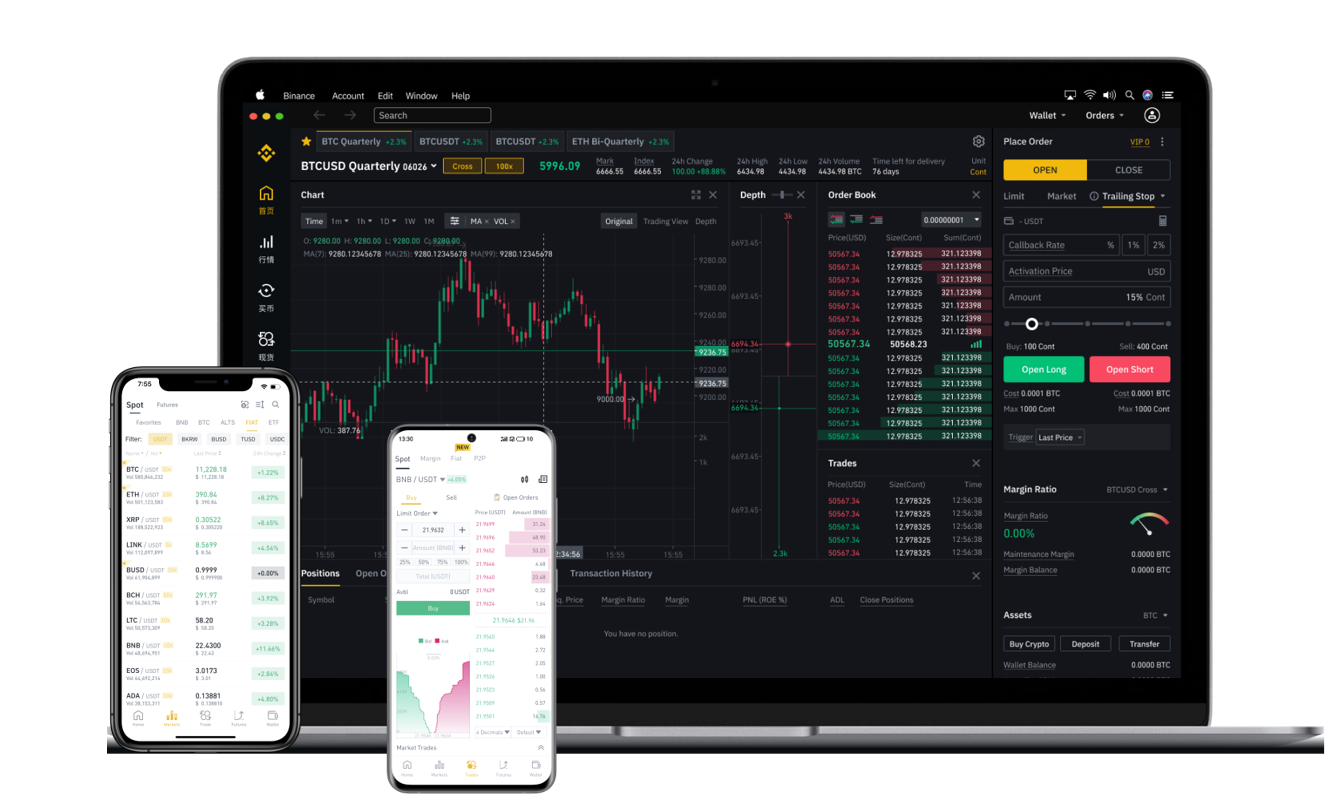

Binance DEX, or Binance Decentralized Exchange, is a peer-to-peer trading platform built on the Binance Chain. Unlike the standard Binance.com platform, which holds your funds in a centralized wallet, Binance DEX allows you to trade directly from your own wallet. This means you maintain full control of your private keys, reducing the risk of exchange hacks or frozen assets. To begin, you will need a compatible wallet. The most common choice is the Trust Wallet app (owned by Binance) or the official Binance Chain Wallet browser extension.
To get started, download Trust Wallet from your app store or install the Binance Chain Wallet extension for Chrome or Firefox. After creating a wallet, you must securely back up your 12-word recovery phrase. This phrase is the only way to restore your funds if you lose access to your device. Never share it with anyone. Once your wallet is set up, open the app and navigate to the "DEX" tab or the browser extension and connect to the Binance DEX website (usually accessible via the wallet’s built-in browser or directly at dex.binance.org).
Next, you will need to acquire BNB (Binance Coin) to pay for transaction fees. On Binance DEX, all trading fees are paid in BNB. If you do not have BNB in your wallet, you can purchase it on a centralized exchange like Binance.com and then withdraw it to your DEX wallet address. Alternatively, you can use a peer-to-peer swap within Trust Wallet to buy BNB directly. Once you have BNB in your wallet, you can start trading. Choose a trading pair you wish to trade, such as BNB/BTCB (Binance Bitcoin). You will see an order book similar to centralized exchanges, but all orders are settled on-chain.
To place a trade, decide between a "Limit Order" (setting a specific price) or a "Market Order" (buying or selling at the current market price). Enter the amount you want to trade and confirm the transaction. Since Binance DEX is decentralized, you must approve the transaction directly from your wallet using your private key. Each trade requires a small BNB fee and takes a few seconds to be confirmed on the Binance Chain. Be aware that not all coins available on Binance.com are listed on Binance DEX. The DEX typically lists tokens issued on the Binance Chain (BEP-2 standard), such as BNB, BTCB, and BUSD.
Security is the core advantage of using Binance DEX. Since you control your private keys, Binance cannot freeze or seize your assets. However, this also means you are solely responsible for your funds. If you lose your private key or recovery phrase, no support team can help you recover your account. Additionally, because trading is on-chain, transaction speeds may be slightly slower than centralized exchanges, and liquidity can be lower for less popular trading pairs. Always double-check the token contract address before trading to avoid scam tokens.
In summary, using Binance DEX involves these key steps: download a compatible wallet (like Trust Wallet), secure your recovery phrase, deposit BNB for fees, connect to the DEX interface, and then trade directly from your wallet. The process is simple for experienced crypto users but requires a careful approach to security. For smaller trades or those who prioritize control over convenience, Binance DEX is an excellent tool. For large or fast trades, you may prefer the centralized Binance platform, but for true self-custody, Binance DEX remains a top choice.