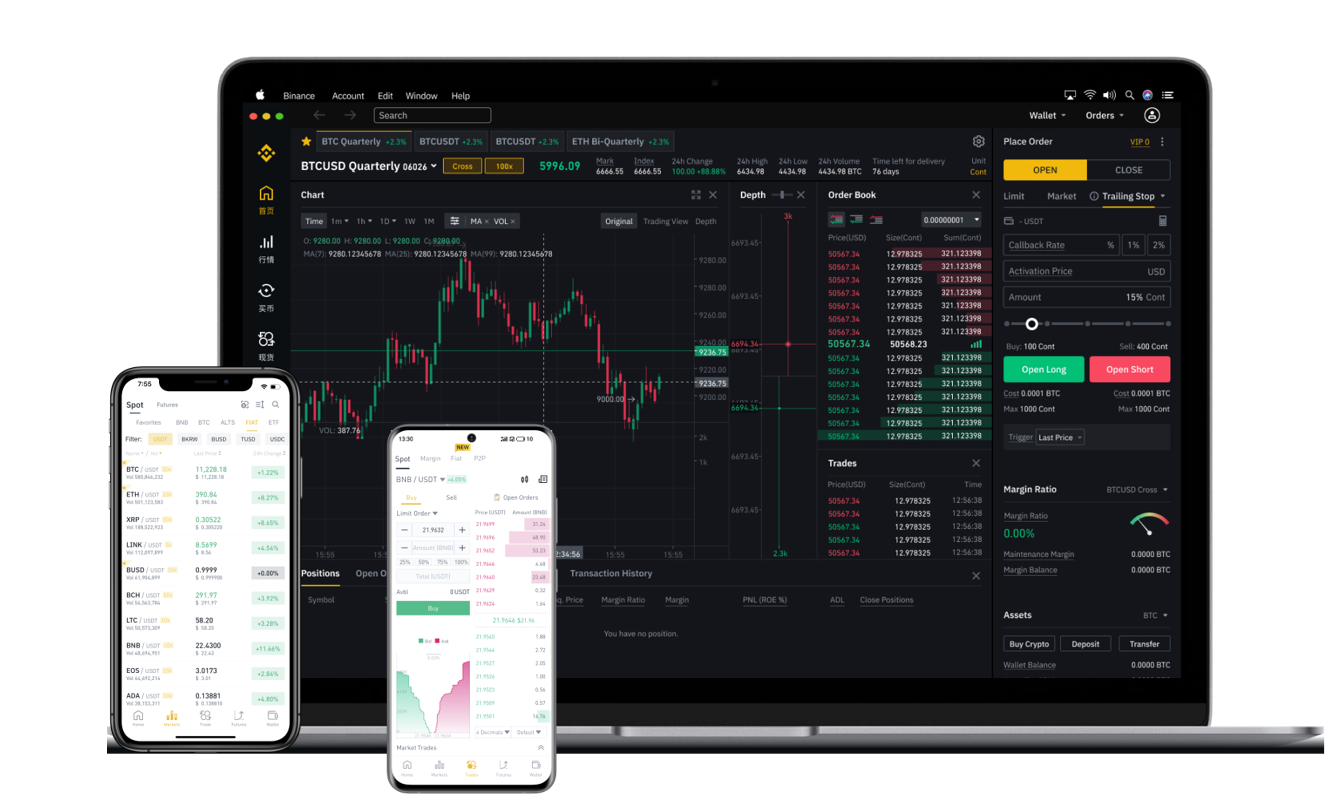

As the cryptocurrency landscape evolves, many users are exploring decentralized finance (DeFi) platforms as alternatives to centralized exchanges. While Binance is widely known as a centralized exchange (CEX), it also offers a decentralized trading experience through Binance DEX (Decentralized Exchange) and the Binance Smart Chain (BSC) ecosystem. However, the term "decentralized Binance exchange" can be misleading. This guide will clarify what that means and explain how to use decentralized trading tools within the Binance ecosystem.
First, it is important to understand the distinction. A fully decentralized exchange like Uniswap or PancakeSwap operates without a central authority, relying on smart contracts and automated market makers (AMMs). Binance itself is centralized, but it powers a decentralized side through the Binance Chain, specifically via the Binance DEX and the Binance Smart Chain (now referred to as BNB Chain). To use a "decentralized Binance exchange," you are typically interacting with dApps (decentralized applications) built on BNB Chain, such as PancakeSwap, which uses the same liquidity and token standards as the Binance ecosystem.
To get started, you need a decentralized wallet, such as MetaMask, Trust Wallet, or Binance Chain Wallet. Trust Wallet is highly recommended because it is owned by Binance and natively supports BNB Chain. Install the wallet extension on your browser or download the mobile app. Create a new wallet and securely back up your 12-word recovery phrase. Never share this phrase with anyone, as it is your only way to recover your assets in a decentralized environment.
Next, you need to fund your wallet with BNB (Binance Coin). BNB is the native token of the BNB Chain and is required to pay for transaction fees (gas fees) on the decentralized network. You can purchase BNB directly from the centralized Binance exchange and then withdraw it to your Trust Wallet address. Ensure you select the correct network (e.g., BEP-20 for BNB Smart Chain) during the withdrawal to avoid losing funds.
Once your wallet has BNB, open the in-app browser in Trust Wallet or connect your MetaMask to the BNB Chain network. Navigate to a DEX (decentralized exchange) like PancakeSwap. Connect your wallet by approving the connection request. You will now see the decentralized trading interface. To swap tokens, select the token you want to sell (e.g., BNB) and the token you want to buy (e.g., CAKE). Enter the amount and confirm the transaction. The smart contract will execute the trade, and your wallet will update with the new tokens.
One major difference from using a centralized Binance exchange is that you retain full custody of your funds. No one can freeze your wallet or block your trades. However, this also means you are fully responsible for security. Always double-check the smart contract address of the token you are trading to avoid scams or fake tokens. Use tools like BscScan to verify contracts and check liquidity depth.
Another useful feature is decentralized staking or farming. On Binance DEX or BSC-based platforms, you can provide liquidity to a trading pair or stake tokens in a pool to earn yield. Navigate to the "Farms" or "Pools" section on PancakeSwap, deposit your tokens, and start earning rewards. Remember that impermanent loss is a risk in liquidity pools, especially in volatile markets.
Finally, to withdraw your assets from the decentralized exchange back to the centralized Binance platform, you can send tokens from your wallet to your Binance deposit address. Always use the correct network (e.g., send BEP-20 tokens to a BEP-20 deposit address on Binance). The entire process is trustless, transparent, and permissionless, giving you the freedom of decentralized finance while leveraging the liquidity and popularity of the Binance ecosystem.