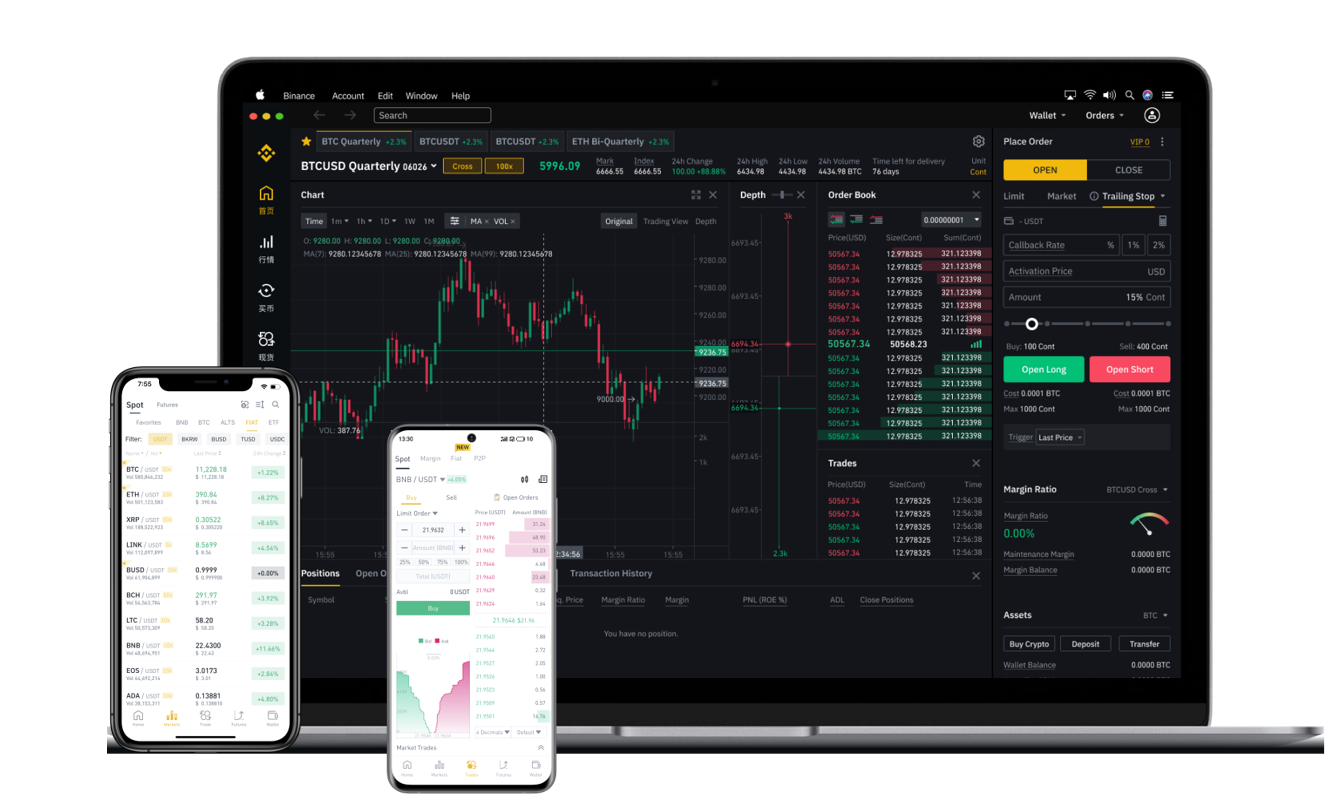


Binance is one of the largest and most widely used cryptocurrency exchanges in the world. Founded in 2017 by Changpeng Zhao, it has grown rapidly to offer trading pairs for hundreds of digital assets, including Bitcoin, Ethereum, and various altcoins. Many new users often ask: "What is Binance, and how do I withdraw money from it?" This article explains Binance's role as an exchange and provides a clear, step-by-step guide on how to complete a withdrawal.
First, let’s clarify what Binance is. Binance is a centralized cryptocurrency exchange that allows users to buy, sell, and trade digital assets. It offers both a basic interface for beginners and advanced trading tools for experienced traders. In addition to spot trading, Binance provides services such as staking, futures trading, and lending. However, one of the most common needs for any exchange user is the ability to withdraw funds, either to an external wallet or to a bank account.
To withdraw from Binance, you must first log in to your account. Ensure that you have completed identity verification (KYC) if you plan to withdraw fiat currency like USD or EUR. For cryptocurrency withdrawals, KYC may not be strictly required on some tiers, but it is strongly recommended for security and compliance reasons.
Once logged in, follow these steps:
1. Navigate to the "Wallet" tab on the top menu and select "Fiat and Spot." This will show your available balances. 2. Locate the cryptocurrency or fiat currency you wish to withdraw. Click the "Withdraw" button next to it. 3. For cryptocurrency withdrawals, you will need to enter the recipient's wallet address. Double-check the address carefully, as blockchain transactions are irreversible. Binance supports withdrawal to external wallets, such as hardware wallets or other exchange accounts. 4. Select the network. For example, if you are withdrawing USDT, you can choose between ERC-20 (Ethereum), BEP-20 (BSC), TRC-20 (Tron), or other networks. Matching the network with your destination address is crucial to avoid losing funds. 5. Enter the withdrawal amount. Binance will display the transaction fee and the estimated arrival time. Fees vary depending on the cryptocurrency and network chosen. 6. After confirming the details, complete any required security checks, such as 2FA authentication or email verification. 7. Click "Submit." The withdrawal will be processed, and you can track its status under "Transaction History."
For fiat withdrawals, such as withdrawing US dollars to a bank account, the process is slightly different. Under the same "Withdraw" menu, select the fiat currency. You will be prompted to add a bank account or payment method. Processing times for fiat withdrawals can take 1 to 5 business days, depending on your region and bank. Binance also supports third-party payment platforms like Payoneer or Advcash for faster access.
Security is a top priority when withdrawing from Binance. Always enable two-factor authentication (2FA) on your account. Avoid sharing your withdrawal passwords or API keys with anyone. If you are withdrawing a large amount, consider performing a small test withdrawal first. Also, be aware of phishing attempts—only use the official Binance website or app.
In summary, Binance is a powerful exchange that provides a straightforward withdrawal process for both crypto and fiat. By carefully following the steps—selecting the correct network, verifying addresses, and completing security checks—you can securely move your funds. Whether you are a long-term holder or an active trader, understanding how to withdraw from Binance is essential for managing your digital assets effectively.